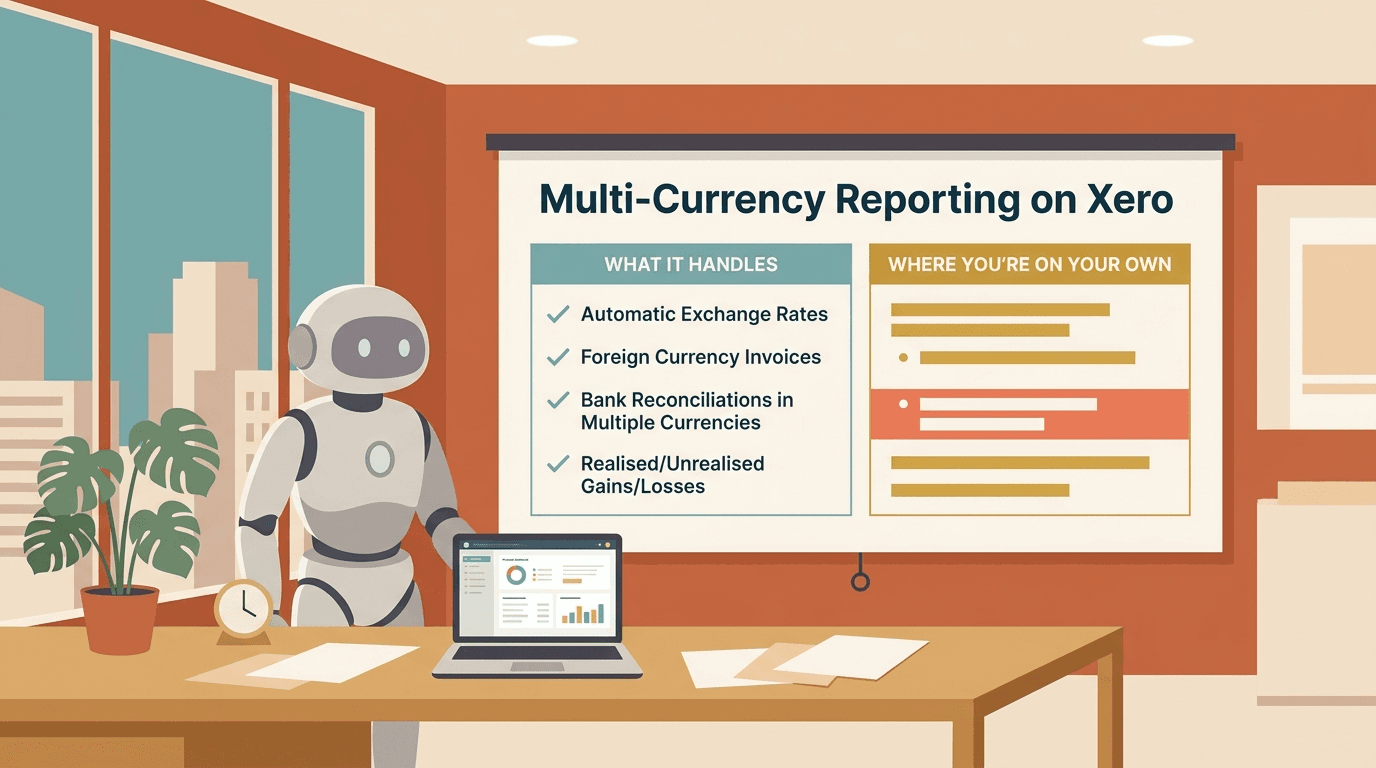
Multi-Currency Reporting on Xero: What It Handles, and Where You're On Your Own
Three currencies, two reporting rates, and a balance sheet that refuses to balance.
You raise an invoice in USD. Your base currency is SGD. Xero books it, tracks the rate, and when the customer pays three weeks later at a different rate, it quietly posts the realised FX gain or loss for you. None of that is the problem.
The problem shows up the moment someone asks for the numbers in a currency Xero wasn't set up to report in. A US parent wants the Singapore sub's P&L in USD. The board wants group revenue in one currency, presented at consistent rates. Someone asks whether revenue actually grew last quarter, or whether it just looked that way because the dollar moved. That's when you discover that Xero's multi-currency support — which is good — was built for transacting in foreign currencies, not for reporting across them.
This post is about that gap. What Xero genuinely handles, where it stops, and what a multi-currency reporting setup needs to do that Xero doesn't.
Two different problems people call "multi-currency"
Most of the confusion here comes from one phrase doing two jobs.
The first job is transacting in foreign currencies. You sell in USD and EUR, you pay a supplier in MYR, you hold a USD bank account. Each transaction has a currency and a rate, and your accounting system needs to record it correctly in your books and tell you when exchange rates have moved against you.
The second job is reporting in a currency that isn't your books' currency. Your entity's functional currency is SGD — that's the currency of the environment it actually operates in — but you need to present a full set of financials in USD. Or you're rolling several entities, each on its own functional currency, into one group view. This isn't about individual transactions. It's about restating an entire P&L and balance sheet into a different currency, using the right rate for each type of line, and dealing with what's left over.
Xero is built for the first job. It is not built for the second. Almost every multi-currency reporting headache traces back to people expecting the second from a tool that only does the first.
What Xero does well
Credit where it's due — the transaction layer is solid, and for a lot of businesses it's all they need.
On the Premium plans, you can invoice, bill, and bank in foreign currencies. Xero pulls daily market rates automatically, so you're not keying in rates by hand for every invoice. When a foreign-currency invoice is settled at a rate different from the one it was booked at, Xero calculates the realised gain or loss and posts it. At month end, you can run a foreign currency revaluation on your outstanding foreign balances — debtors, creditors, foreign bank accounts — and Xero books the unrealised gain or loss so your monetary balances reflect current rates.
For a single entity that sells in a few currencies but lives and reports in one, this is genuinely enough. Your reports come out in your base currency, the FX gains and losses are accounted for, and you move on. If that's you, you can probably stop reading — Xero has you covered, and bolting on more machinery would be solving a problem you don't have.
The trouble starts when "report in base currency" isn't the report you need.
Where it stops
1. Base currency is a one-way door
You choose your base (functional) currency when you set up the organisation, and you can't change it afterwards without migrating to a fresh org. More importantly for reporting: Xero shows you everything in that base currency, full stop. There's no "view this entire P&L and balance sheet in USD" toggle. If your books are in SGD and a stakeholder needs USD statements, Xero won't restate the set for you. You export and translate it yourself.
2. No real functional-to-presentation translation
This is the big one, and it's worth being precise about. Properly translating a set of financials into a presentation currency — the method auditors expect, and what IAS 21 / FRS 21 lays out — isn't a single conversion rate. It's three:
- Profit and loss at the average rate for the period (or actual transaction rates).
- Assets and liabilities at the closing rate on the reporting date.
- Equity at historical rates — the rates in effect when each component went in.
Translate a balance sheet that way and it won't balance. Assets moved at one rate, equity at another, and the difference has to go somewhere. That somewhere is the foreign currency translation reserve (the CTA, or FCTR) — a line in equity that absorbs the translation difference and keeps the books balanced. It's not an error. It's the whole mechanism.
Xero has no concept of this. It revalues monetary balances at current rates — that's the unrealised gain/loss above — but it does not restate a complete report into a presentation currency with a balancing translation reserve. Ask Xero for a USD version of your SGD financials and it has no answer.
3. You don't control the rates
Xero pulls its own market rates from a rate provider. For statutory or group reporting, you often can't use whatever rate Xero happened to fetch. The group mandates rates. The auditor wants a specific period-average, calculated a particular way. Treasury sets a fixed budget rate for management comparisons. You can override a rate on an individual transaction, but you can't impose a clean rule like "translate every P&L line this period at this one average rate" across a report. The rate policy lives outside Xero, which means the translation does too.
4. Spot rates, not average rates
Even when Xero shows your foreign-currency activity in base currency, it's effectively translating each transaction at its own date's rate and summing. That's not the same as translating the period's total at a defined average rate — and the difference between "sum of spot-translated lines" and "average-rate translated total" can be material. For group and management reporting that expects a clean average-rate P&L, this mismatch becomes reconciliation noise you have to explain every month.
5. No constant-currency view
When revenue grows, finance leadership eventually asks the right question: did we actually grow, or did the currency just move in our favour? Answering that means translating both periods at the same rate to strip FX out — a constant-currency, or FX-neutral, comparison. Xero doesn't do this. There's no toggle to hold rates flat across periods. It's a manual rebuild every time someone asks.
6. No currency breakouts within an entity
A Singapore entity earning in SGD, USD, MYR, and IDR shows up in Xero as one SGD number. If you want revenue broken out by the currency it was earned in — to see which markets and which currency exposures actually drive the business — you're back to exporting and slicing it yourself.
7. Across separate organisations, nothing
If your group runs each entity as its own Xero organisation on its own functional currency — which is most real groups with foreign subsidiaries — there's no native way to translate each one and combine them into a group view. That's the consolidation problem, and the currency translation sits right in the middle of it. We covered the broader version of this in Xero multi-entity consolidation: translation is one of the three jobs consolidation has to do, alongside aggregation and elimination, and Xero does none of them across organisations.
The workarounds people actually use
In practice there are three.
Export and translate in Excel. Pull the base-currency reports out, build a tab of rates by type and period, apply them by line, calculate the translation reserve as the balancing figure, and present. This is the most common approach and the most fragile. It works until a rate gets stale, someone fat-fingers the average, or the CTA quietly absorbs an actual error instead of a translation difference — and now your "balanced" balance sheet is balanced because it's wrong.
Accept base-currency reporting and translate downstream. Some teams just let Xero report in functional currency and do all presentation translation in a separate reporting layer or BI tool. Cleaner than ad-hoc Excel, if you have the tooling and the discipline to keep the rate logic in one place.
Third-party consolidation tools. Several of the multi-entity tools handle FX translation as part of consolidation. They're fine when your structure and rate policy look like the brochure. The moment your group uses non-standard rates, has an unusual equity history, or wants constant-currency analysis alongside statutory translation, you tend to hit the same ceiling the tools hit everywhere else — they do the standard case well and bend poorly.
None of these are wrong. Which fits depends on how much your reporting has to follow your rules rather than the tool's defaults.
What good multi-currency reporting actually requires
After building enough of these, the pattern is consistent. A setup that holds up has roughly six parts.
-
A deliberate functional-vs-presentation split. Each entity's functional currency is decided on the economics, not on whatever was clicked at setup. The presentation currency is a separate, conscious choice. The two are allowed to differ, and the system knows the difference.
-
One source of rates, by type and period. Closing, average, and historical rates live in a single rate table, sourced and approved once, so two reports can never disagree about what the rate was. When the group mandates a rate, that's the rate the reports use — not whatever a provider fetched.
-
Translation applied by line type, consistently. P&L at average, balance sheet at closing, equity at historical. Applied the same way every period so the comparatives stay comparable.
-
A translation reserve that's calculated, not forced. The CTA is derived from the method, and it reconciles. It is not a plug that silently swallows whatever doesn't tie — because a plug that hides translation differences also hides mistakes.
-
Constant-currency on demand. When someone asks whether growth was real, you can show the same periods at held rates without rebuilding anything. FX-neutral and as-reported sit side by side.
-
Reconciliation between the two layers. Xero's transaction-level FX — the realised and unrealised gains it posts — and your reporting-level translation tell one coherent story. The realised/unrealised P&L charge and the movement in the translation reserve are explainable against each other, not two unrelated numbers nobody can join up.
Where Cheetah fits
Cheetah builds custom reporting directly on top of Xero, and multi-currency is one of the places bespoke earns its keep. We build presentation-currency translation with rate tables by type and period, a translation reserve that's calculated and reconciles rather than plugged, constant-currency views alongside as-reported, and breakouts by transaction currency where the business needs to see its real exposure. Because it's built around your rate policy and your group's structure, it doesn't force your reporting into one fixed translation method and hope it fits.
It's worth a look if your month-end currently includes a rates tab you don't fully trust, a USD pack you rebuild by hand every quarter, or a board question about "real" growth that takes a day to answer. We've helped firms like Book&Entries and CAP Advisory automate exactly this kind of reporting end-to-end, for themselves and their clients.
Multi-currency reporting isn't hard because the accounting is exotic — IAS 21 has been around for decades. It's hard because the tooling stops at the transaction layer, and the reporting layer is where the judgement lives. Get the rates, the method, and the reserve into one place that follows your rules, and most of the monthly pain disappears. Leave it in a spreadsheet, and it comes back every close.

A finance professional turned product builder, Jarvin has built hundreds of reports by hand and knows what financial and operational reporting demands: customisability, auditability, scalability, and security. Having automated that work reliably, he's now helping advisory firms and finance teams do the same.
