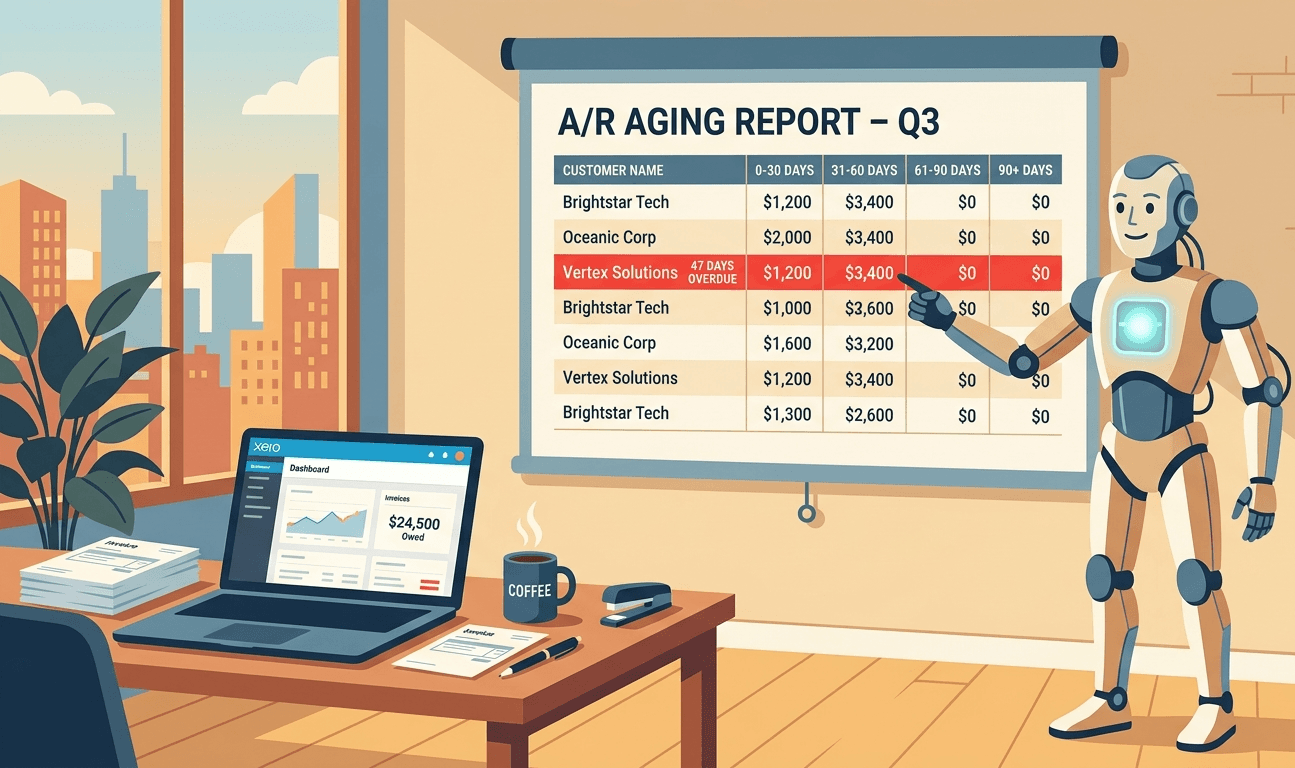
Custom Xero AR Aging Report
A spreadsheet that finally knows which customer is 47 days late, and who promised to pay on Friday.
Open Xero, go to Reports, find Aged Receivables. You get a Summary or a Detail view, and you can change the period from 30 to 14 or 7. That's the customisation. Pick a bucket size, and Xero stamps out four columns: Current, [N], [2N], [3N+]. Same shape for every customer. Same shape for every business.
It's enough to know who owes you money. It's nowhere near enough to actually run collections.
This is the gap most finance teams paper over with a weekly export. The AR ledger gets pulled, pivoted by collection bucket, joined to a customer segment, coloured in by who owes the most, and shipped to the sales lead with a list of names to chase. Every week. Forever.
A custom Xero AR aging report is the thing that ends that cycle. Here's what it actually needs.
Where native Xero stops
Five walls show up fast.
Fixed bucket widths. Xero gives you uniform-length buckets — 30/60/90/90+, or 7/14/21/21+, or whatever single number you pick. There's no way to say "I want a bucket for 1-14 days, then 15-30, then 31-45, then 46-60, then 60+", which is the cut every F&B group I've worked with actually uses, because their invoice terms are 14 days and the meaningful slip is in the 0-30 window, not the 30-90 one.
No customer segmentation. The aged receivables report shows every customer as a row. No grouping by salesperson, by industry, by region, by tier, by contract type. If the head of sales wants "show me everything over 30 days from enterprise customers", that's a manual pivot in Excel.
No days-outstanding column. Xero tells you the invoice sits in the 60-90 bucket. It doesn't tell you that this specific invoice is 73 days late, that the customer's weighted average days-to-pay is 42, or that they've been late on their last three invoices. The data is in the ledger — it just doesn't make it onto the report.
No commentary or status. A collections report is a workflow. "Promised payment by Friday." "Disputing — see ticket #234." "Awaiting credit note." There is nowhere in Xero's AR report to put any of this. Which is why everyone has the spreadsheet.
Static, not live. The report is a snapshot. Run it Monday, run it again Friday, you have two PDFs you compare by eye. There's no view that quietly updates as payments come in.
None of these are breaking gaps. Aged Receivables in Xero is built for the accountant who wants a quick "what's owed to us right now". For anyone running collections — credit controller, finance manager, accounting firm chasing on a client's behalf — it's the start of the work, not the end.
What hitting the wall looks like
A few patterns we see over and over:
The credit controller at a 3PL company. Top 20 customers are 80% of AR. She wants a daily view: top customers first, sorted by days outstanding, with promised-payment dates from her notes, colour-coded by who's been chased this week. Native Xero can't do any of that, so she lives in a Google Sheet she refreshes from a Xero export every morning at 9:30am.
The CFO at an F&B group. Their invoice terms are 14 days. Their meaningful aging cut is 14/28/42/60+, not 30/60/90/90+. Xero won't let them set the buckets that match the terms. So the board pack has a hand-built aging table glued in every month.
The accounting firm doing AR oversight for a portfolio of clients. They want one view across all clients showing which customers are >60 days for any of them — because the same end-customer often appears across multiple of their clients' AR ledgers, and a slow payer is a slow payer. Aged receivables in Xero is per-organisation. The cross-client view is a spreadsheet someone updates on Wednesdays.
The SaaS finance lead. They want AR by customer cohort — when did they sign? — to see whether new customers pay faster than legacy ones. None of that is reachable inside Xero's native report.
What a good Xero AR aging report actually looks like
Across the dozens we've built, the same handful of properties show up in the ones that get used daily:
-
Bucket widths that match the business's terms. 7/14/21/30+ for a fast-cycle business. 14/28/42/60+ for F&B. 30/60/90/120+ for a wholesaler. The buckets should match your invoice terms — that's the only way the colour-coding tells you anything useful.
-
Days-outstanding as a column, not just a bucket. Per invoice and per customer. So you can sort by it. So you can see that the customer in the 30-60 bucket is actually 58 days late and about to slip a bucket. The bucket is the headline; the day count is the detail.
-
Customer-level segmentation. Group by salesperson, region, industry, tier, contract type — whatever segments the business actually uses. The dimensions are in Xero (contacts carry some, items carry others, and you can enrich from outside) but they don't surface on the native report. A good report joins them in. Same shape of problem as the two-tracking-category limit on the P&L side.
-
Weighted average days-to-pay per customer. Not just "they have $42k overdue today" — but "this customer takes 47 days to pay on average, and they've been getting slower for three months". The data lives in the paid invoice history; the report should pull it in.
-
A workflow layer. Status, promised-payment date, last contacted, owner, notes. The report is where the collections team works, not just a thing they read. The workflow columns need to persist as the underlying numbers refresh — which means storing them somewhere other than the regenerated report itself.
-
Conditional formatting that surfaces what matters. The biggest exposure. The customers who slipped a bucket since last week. The customers above their credit limit. The ones who broke a promise-to-pay date. Not every row in red — just the rows worth looking at.
-
Drill-back to invoices. From the customer line to the specific invoices that make up the balance, and from the invoice to the underlying activity in Xero. A question in a meeting should be one click, not a Tuesday investigation.
-
Multi-entity rollup, where it applies. A group with three trading entities has three AR ledgers, and the customer who's 90 days late on entity A is often the same legal entity that owes you on entity B. A consolidated AR view — by ultimate customer, not by per-entity contact record — is something native Xero can't give you, for the same structural reasons it can't give you consolidated management reporting.
-
A direct feed into the cash flow forecast. AR aging is the most important input to the next 30-60 days of cash. The enriched dataset that drives the aging report should also feed your 13-week cash flow forecast — applying a per-customer collection profile, not treating every invoice as if it'll be paid on the due date. Two reports, one underlying layer.
The workarounds, ranked
-
Live in a Google Sheet, refreshed manually. The default. Pull the Xero AR ledger weekly, paste into the workflow sheet, pivot, send. Works. Eats three to four hours a week. Falls apart when the credit controller takes leave.
-
Use a dedicated collections tool. Chaser, Satago, Upflow, Quadient, and friends. Most pull from Xero and bolt a workflow on top. Good if your collections process matches their template. Less good if you want bespoke bucket widths, custom segmentation, or to keep the aging view inside the same workbook as your management accounts.
-
Build the report once, off the Xero API, into your team's existing spreadsheet. Costs more upfront. Doesn't need re-templating when the business shape changes. Worth reading Building Custom Reports with the Xero API before you decide to do this in-house — the gotchas are real.
Where Cheetah fits
A lot of our work starts with a credit controller showing us a Google Sheet with seven tabs, three colour codes, and a macro that broke six months ago. We rebuild that sheet — same layout, same buckets, same workflow columns — as a Cheetah report that pulls live from Xero, enriches with whatever segmentation the team already uses, preserves the manual workflow inputs across refreshes, and ties back into the cash forecast.
The team keeps their spreadsheet. They just stop maintaining its data layer.
If chasing AR is the job eating your finance team's mornings, Cheetah is probably worth twenty minutes.
The short version
Xero's Aged Receivables report is built to answer "who owes us money?". Collections needs to answer something harder: who do I chase first, what did I promise last week, what's about to slip, and how does this feed cash for the next month? Those are different reports. The data for both lives in your Xero — but only one of them comes out of the box. The other one is a layer you build, or have built for you. Either way, the 30/60/90 bucket is where the conversation ends, not where it should.

A finance professional turned product builder, Jarvin has built hundreds of reports by hand and knows what financial and operational reporting demands: customisability, auditability, scalability, and security. Having automated that work reliably, he's now helping advisory firms and finance teams do the same.
