Cheetah No Longer Needs Access to Your Google Drive
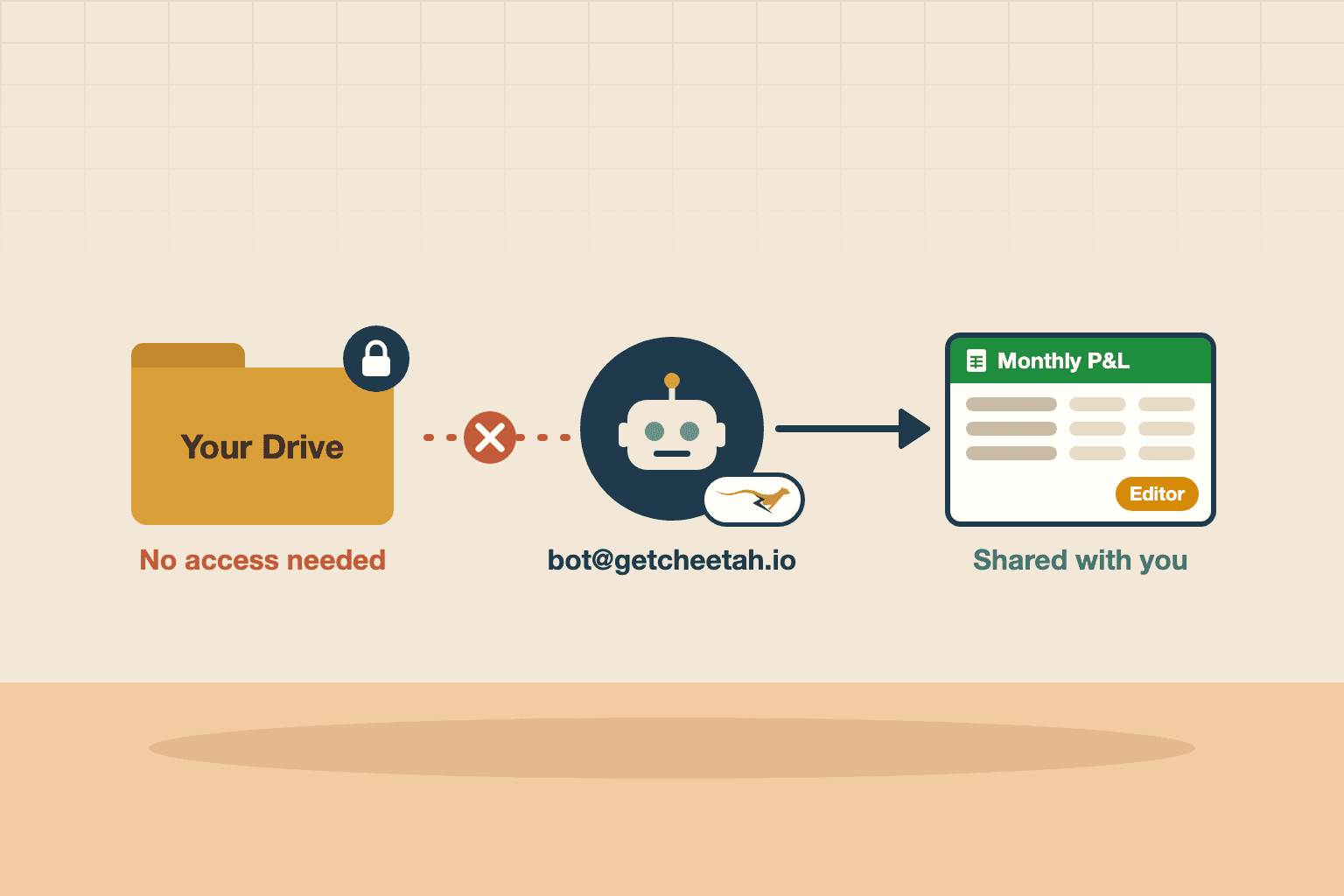
Reports are now created by our own bot account and shared with you.
Signing in to Cheetah used to mean granting it permission to view and edit the files in your Google Drive. As of today, it doesn't. Logging in without Google Drive permissions is now the default, and here's why we made the switch.
Why Cheetah asked for Drive access in the first place
Every Cheetah report is a Google Sheet, ready to edit, share or download as Excel. Something has to create that file, and until now that something was you: when you generated a report, Cheetah created it in your own Google Drive on your behalf, using your Google account.
Doing that meant asking for broad permission — viewing and editing rights over your Drive. While we only used it to read configuration sheets and create reports (writing the numbers and formulas, then structuring and formatting the sheet), the permission itself is wide. Some users told us that handing a reporting tool that kind of access felt intrusive, which is a completely fair reaction. Ultimately, they trusted us. But we still felt like we could engineer a better solution.
What changed: a bot builds your reports
From the outside, nothing changes in how you generate a report.
Under the hood, Cheetah now creates every report under its own Google account and shares the finished file with you as an editor. When a report is ready, Cheetah links you straight to it, exactly as before.
Signing in with Google no longer gives Cheetah any access to your Drive or your Sheets. You do still need a Google account, though — that's how you log in and where your finished reports are shared with you. We don't use it for anything else. If you're already signed in, the change applies the next time you log in.
The one trade-off
The report is owned by Cheetah's bot account rather than sitting in your own Drive. You're an editor on it, not its owner.
That's the whole list. Everything you'd actually do with a report still works:
- Edit it — change numbers, add tabs, rework formulas.
- Share it — with colleagues, clients or your board, inside or outside your organisation.
- Download it — as Excel, PDF or anything else Google Sheets exports to.
- Schedule it — Scheduled Reports keep running and landing in inboxes as usual.
If you'd rather own the file outright, open the report and use File → Make a copy. The copy goes into your own Drive and is entirely yours.
Why we're keeping it this way
This started life as an opt-in checkbox on the login page. We've now made it the default for everyone, because we think it's simply the better way for Cheetah to work.
The safest access is the access you never grant. With the bot doing the file work, Cheetah holds no standing permission to browse, change or delete anything in your Drive — which should make it a lot easier to say yes to connecting your books. (In case you're wondering, this bot isn't a real person, just an automated account that exists to build and share reports.)
Questions about how this works for your team? Get in touch.

A finance professional turned product builder, Jarvin has built hundreds of reports by hand and knows what financial and operational reporting demands: customisability, auditability, scalability, and security. Having automated that work reliably, he's now helping advisory firms and finance teams do the same.
